

AI CRM Software: What It Should Actually Do for Sales Teams
AI CRM software is most useful when it moves work forward instead of adding another layer of dashboards. The real test is simple: can the system enrich records, understand conversations, trigger the right follow-up, update the CRM, and show the team what changed?

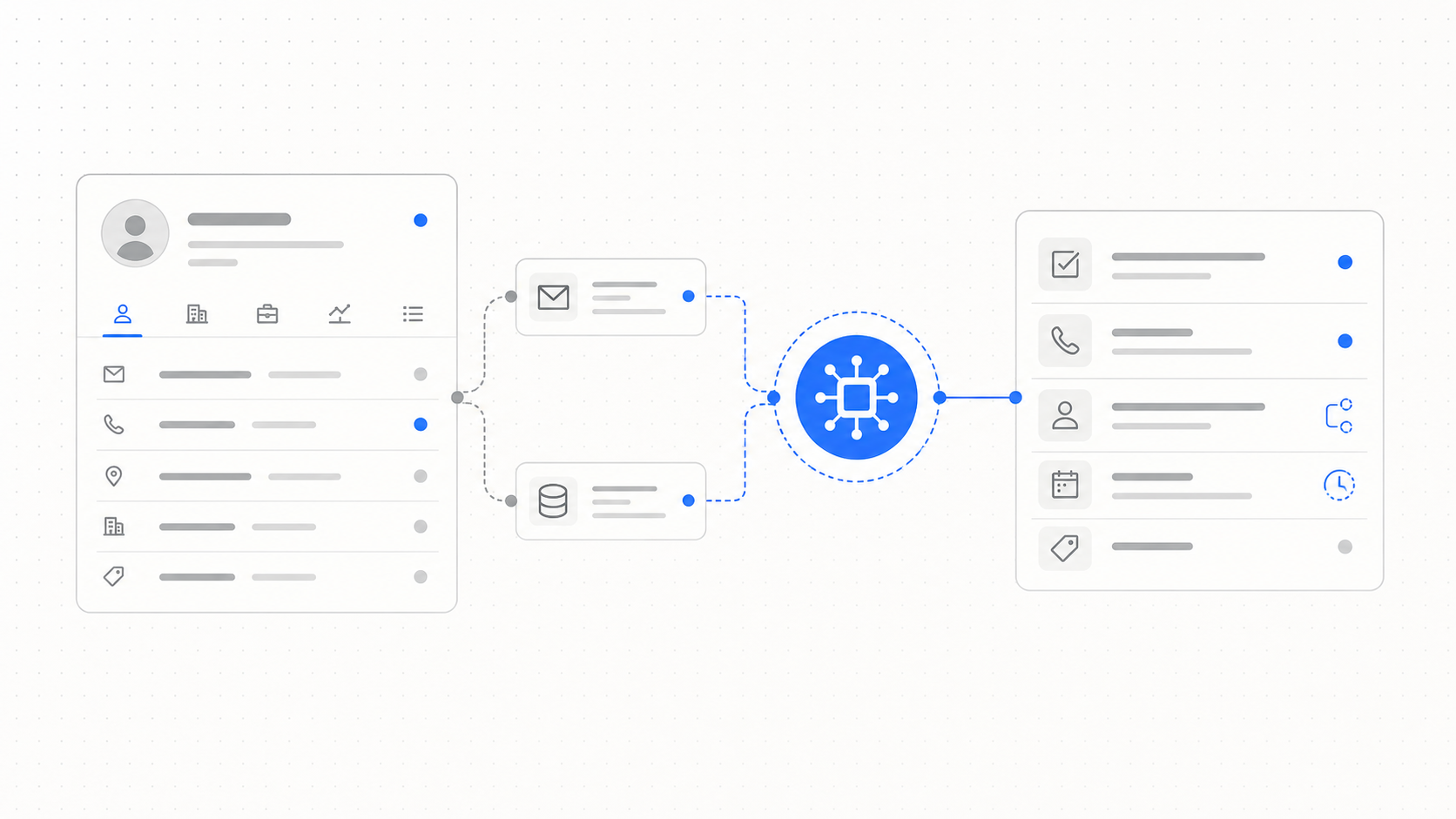
The wrong way to think about AI CRM
Most CRM systems already contain more information than teams can reliably use. Adding AI on top of that does not automatically fix the problem. If the AI only writes summaries, drafts occasional emails, or answers questions about a record, the team still has to do the same operational work as before.
The better question is not whether a CRM has AI. The better question is whether the system can help sales teams finish the next step with less manual coordination.
That changes the evaluation criteria. A useful AI CRM should connect records, messages, tasks, contact data, and follow-up logic into one working system. It should help a team know who to contact, why now, through which channel, with what context, and what should happen when the prospect replies.
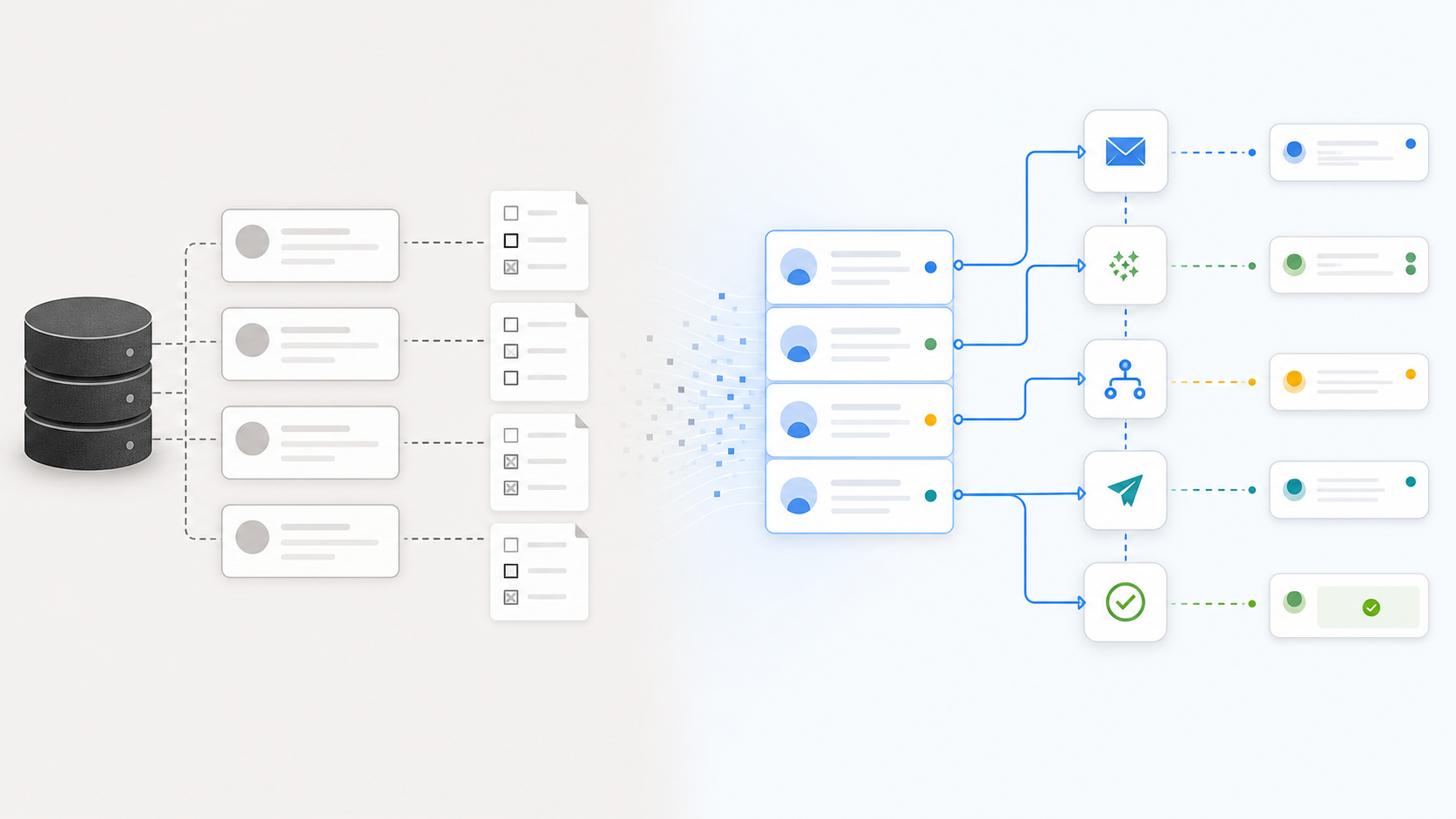
What AI CRM software should actually do
1. Keep contact data usable
AI is only useful if the underlying data is good enough to act on. A CRM record with a company name, a generic phone number, and an old email address does not become useful just because an assistant can summarize it.
The system should help identify incomplete records and enrich them with better context:
- verified business emails
- direct dial or mobile numbers where appropriate
- company size, industry, location, and website signals
- role and seniority context
- source and freshness information
- suppression or compliance state
That is why contact data and CRM automation belong together. The workflow breaks when a rep has to leave the CRM, research a missing contact manually, copy the result back, and then remember to follow up.
Workbase separates this into product surfaces such as data enrichment and our data, but the practical goal is broader: the sales workspace should make incomplete data obvious and turn usable data into action.
2. Understand conversations across channels
Modern sales work does not happen in one place. A lead may start from a website form, reply by email, continue on LinkedIn, and later send a message through another channel. If the CRM only stores the final note, the team loses the path that produced the opportunity.
AI CRM software should connect conversation context across the inbox and the record. That means it should understand:
- which channel the lead came from
- whether a reply needs human attention
- which owner should handle the next step
- whether the person is already in the CRM
- which deal, company, or task the conversation belongs to
This is where a unified inbox becomes more than a convenience feature. It gives the AI and the team a single place to inspect context before acting.
3. Turn signals into next steps
The useful output of AI CRM software is not a paragraph. The useful output is a next step that is visible, editable, and tied to the record.
Examples:
- create a follow-up task when a prospect opens a conversation but does not reply
- route a high-intent lead to the right owner
- draft a reply using the CRM context
- add a missing role or company attribute
- update lifecycle stage after qualification
- pause automation when a human conversation starts
The important detail is control. AI should not silently mutate the sales process in ways the team cannot audit. The system should show what changed, why it changed, and where a human can approve or correct the action.
4. Automate follow-up without making it feel generic
Follow-up is one of the highest-leverage areas for AI CRM because it is repetitive, time-sensitive, and easy to let slip. But bad automation creates a different problem: every message feels like it came from a sequence template.
Good AI CRM software should use CRM context and conversation history to decide:
- whether the follow-up should happen
- which channel is appropriate
- what changed since the last touch
- whether the message should be personal, short, or purely operational
- when the owner should review before sending
That makes follow-up automation a workflow problem, not just an email-writing problem. The system needs access to records, tasks, conversations, and routing rules.
Automated lead follow-up deserves its own workflow design because timing, routing, and CRM updates have to work together.
A practical evaluation checklist
When comparing AI CRM software, look beyond the demo assistant. Ask whether the system can handle the operational details that actually consume sales time.
Data and enrichment
- Can it detect incomplete records?
- Can it enrich contacts and companies without manual copy-paste?
- Does it show freshness and source context?
- Can the team define what counts as a usable record?
Workflow execution
- Can it create and update tasks?
- Can it route leads based on rules and context?
- Can it pause when a human needs to review?
- Does it write changes back to the CRM or only display suggestions?
Inbox and conversation context
- Can it connect email, social, and messaging channels?
- Can it attach conversations to the right record?
- Can it distinguish a positive reply from a support question or unsubscribe?
Human control
- Can users approve sensitive actions?
- Is there an audit trail?
- Can managers see what automation is doing?
- Can the team override the system without breaking the workflow?
Where AI CRM usually fails
The most common failure is treating AI as a feature layer instead of a workflow layer.
A chatbot beside the CRM may be helpful for quick questions, but it does not fix fragmented sales operations. If the team still has to research missing data, monitor five inboxes, manually create tasks, and decide every follow-up from scratch, the CRM remains mostly passive.
The second failure is trying to automate too much too quickly. Sales work needs judgment. The best starting point is usually not full autonomy; it is assisted execution for narrow, measurable workflows:
- enrich missing contact records
- route new inbound leads
- draft follow-ups after defined events
- summarize conversation history before handoff
- flag records that need cleanup
These workflows are concrete enough to measure and narrow enough to control.
What to build first
If you are evaluating AI CRM software or setting up your own AI sales workspace, start with one workflow where manual work clearly creates delay.
Good first candidates:
- New lead intake and routing.
- Follow-up after no reply.
- Contact enrichment for incomplete CRM records.
- Inbox triage for sales conversations.
- Owner handoff after qualification.
The right AI CRM does not need to replace every tool on day one. It should make one painful workflow meaningfully faster, then expand from there.
Bottom line
AI CRM software should not just make the CRM easier to ask questions about. It should make the CRM more useful as an operating system for sales work.
The strongest systems connect data, inbox, tasks, routing, follow-up, and human review. That is where AI starts to matter: not as a novelty inside the CRM, but as a layer that helps the team move qualified work forward.
Frequently Asked Questions
Find quick answers to common questions related to this article.
What is AI CRM software?
AI CRM software is a CRM or CRM-connected workspace that uses AI to help with data enrichment, conversation context, lead routing, follow-ups, task creation, and sales workflow execution.
Is AI CRM software useful for small sales teams?
It can be useful when it removes manual work without hiding context. Small teams usually benefit most from automated follow-ups, cleaner contact data, and clearer next steps.
Should AI CRM replace a current CRM?
Not always. Many teams get better results by connecting an AI workspace to their existing CRM first, then deciding later whether the CRM itself needs to change.
Can't find what you're looking for? get started with Workbase